



How to unhide account
verifiedYou can hide/unhide core bank accounts and minor accounts. You cannot hide wallet accounts.
|
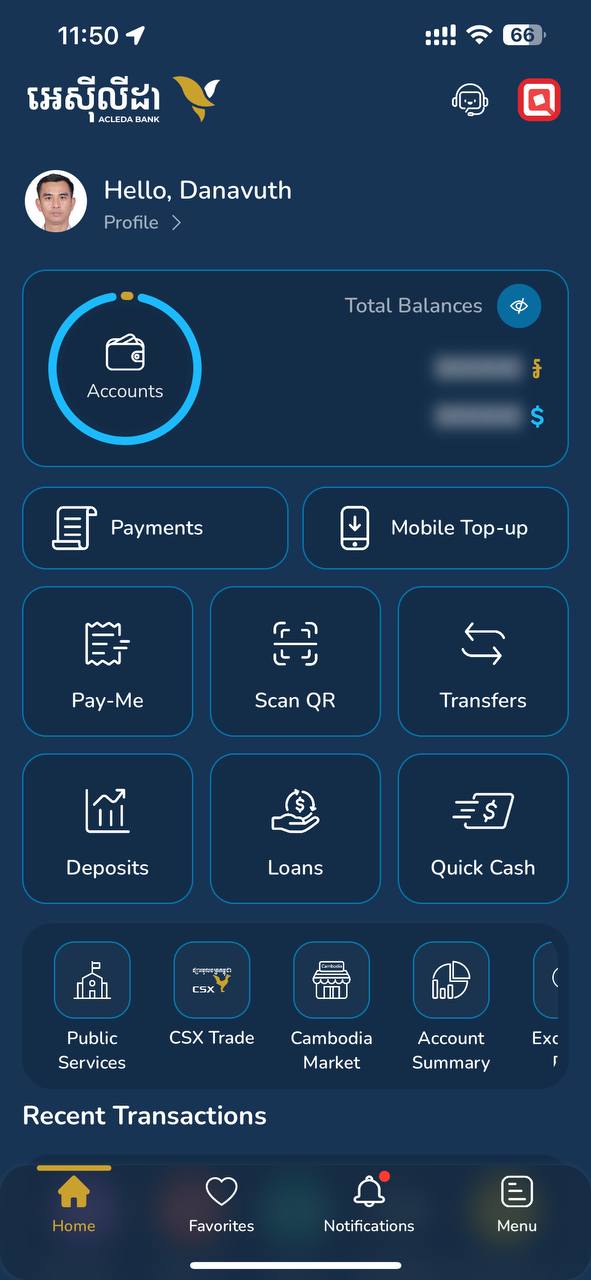 |
| 3. Use Touch ID, Facial, or enter PIN to login | 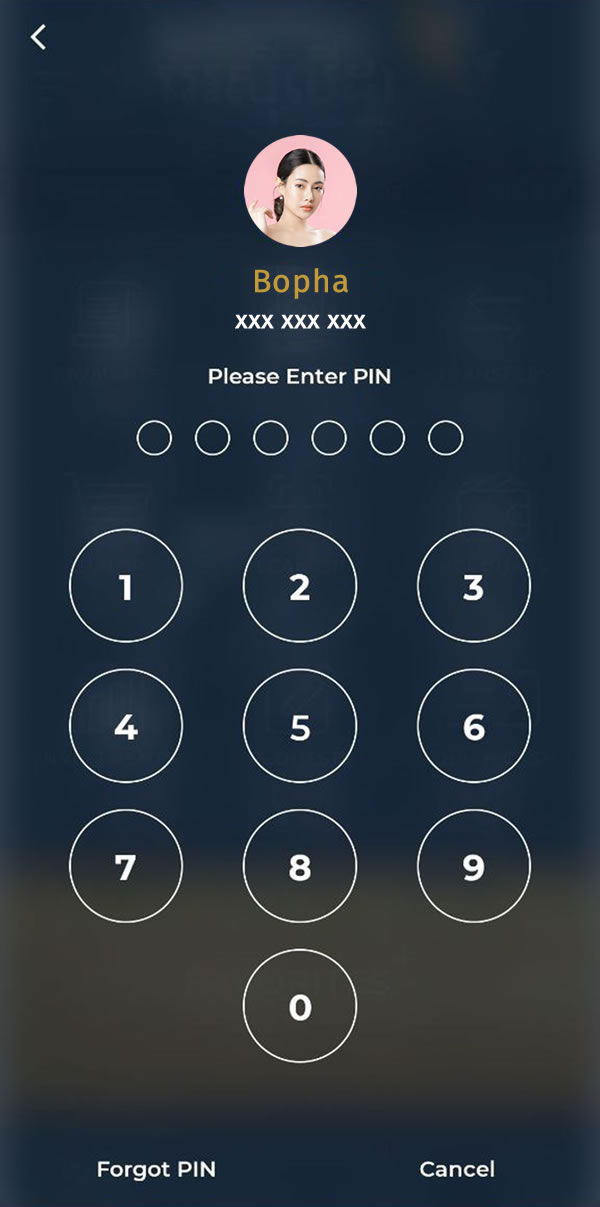 |
| Choose "Eye" icon in the lower right corner | 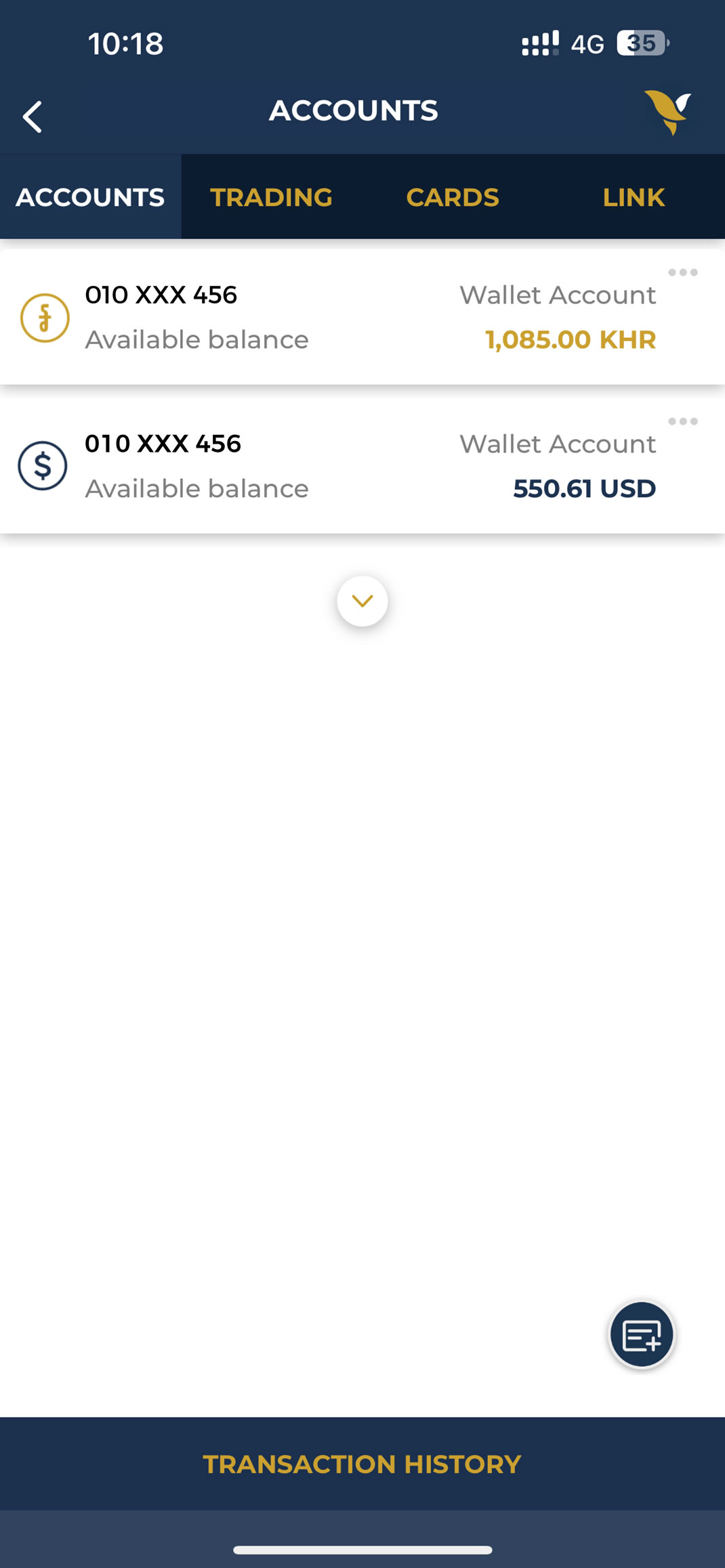 |
| 5. Choose unhide account | 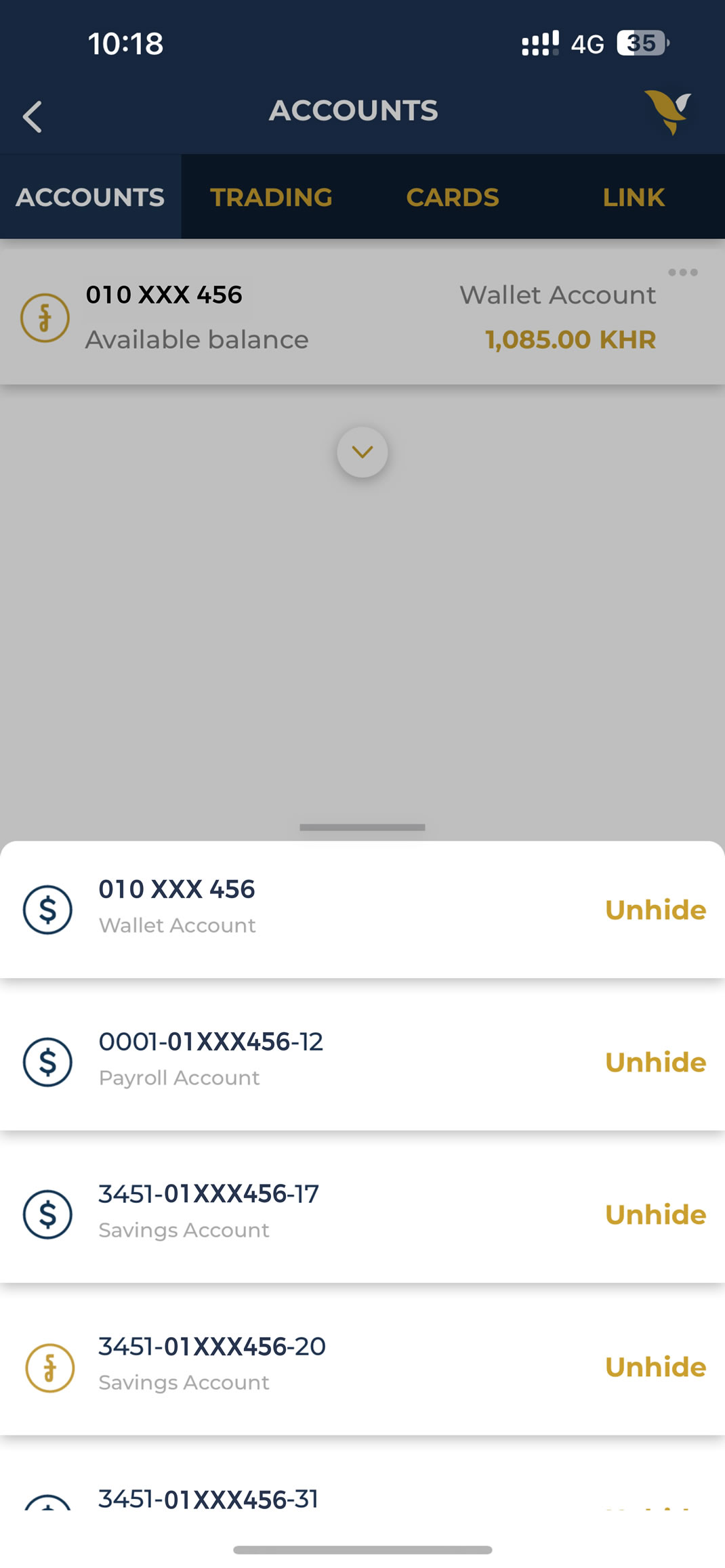 |