



How to pay public service fees of the Ministry of Commerce
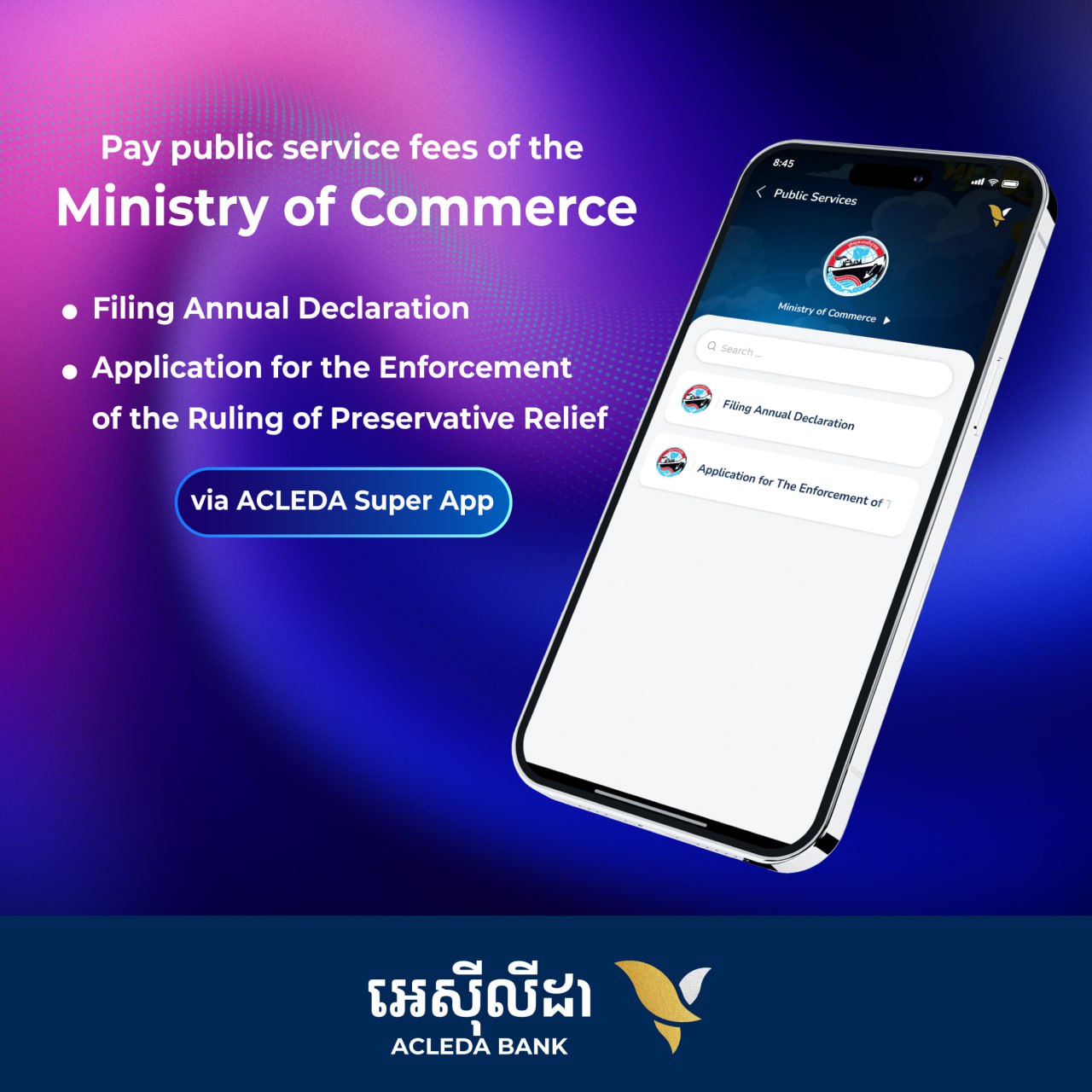
verifiedEasily and securely pay public service fees for "Filing Annual Declaration" and "Application for the Enforcement of the Ruling of Preservative Relief" of the Ministry of Commerce via ACLEDA Super App.
We provide greater convenience and options for businessmen, customers, and the public to pay public service fees without having to come to pay in person at the Ministry of Commerce's counter.
- Open ACLEDA Super App
- Choose "Payments"
- Use Touch ID, Facial, or enter PIN to login
- Choose "Public Services"
- Choose "Ministry of Commerce"
- Choose service: "Filing Annual Declaration" or "Application for the Enforcement of the Ruling of Preservative Relief"
- Enter the registration number and press search
- Press "Next"
- Select debit account number
- Press the amount button
- Verify your information and then press "Confirm"