How to change new phone
- 1.1. Download "ACLEDA mobile" app in your phone
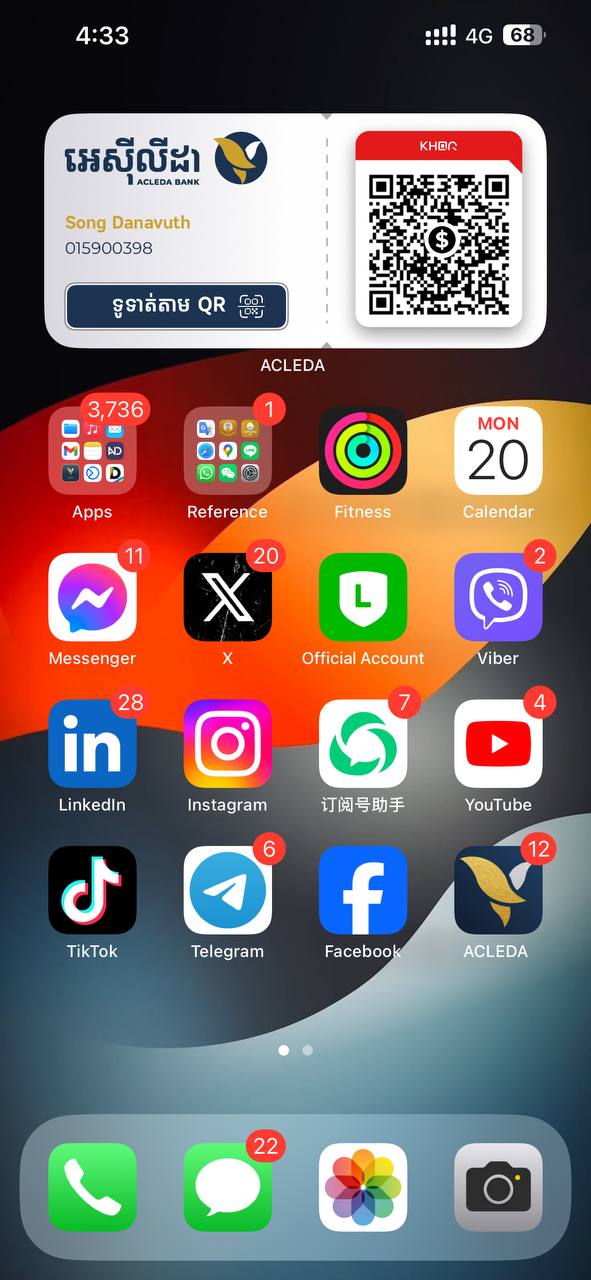
- 1.2. Choose "ACLEDA" icon to open ACLEDA mobile
|
 |
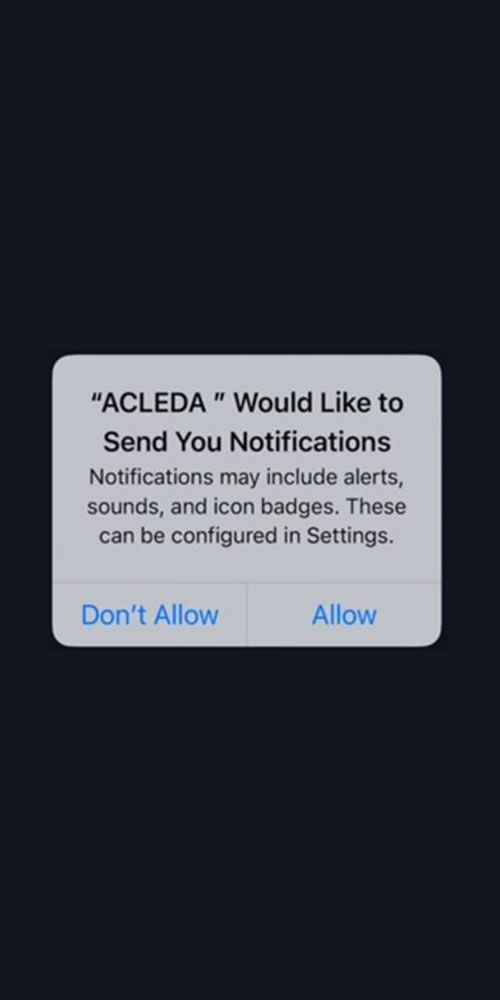
| 2. Choose "ALLOW" buttons |
 |
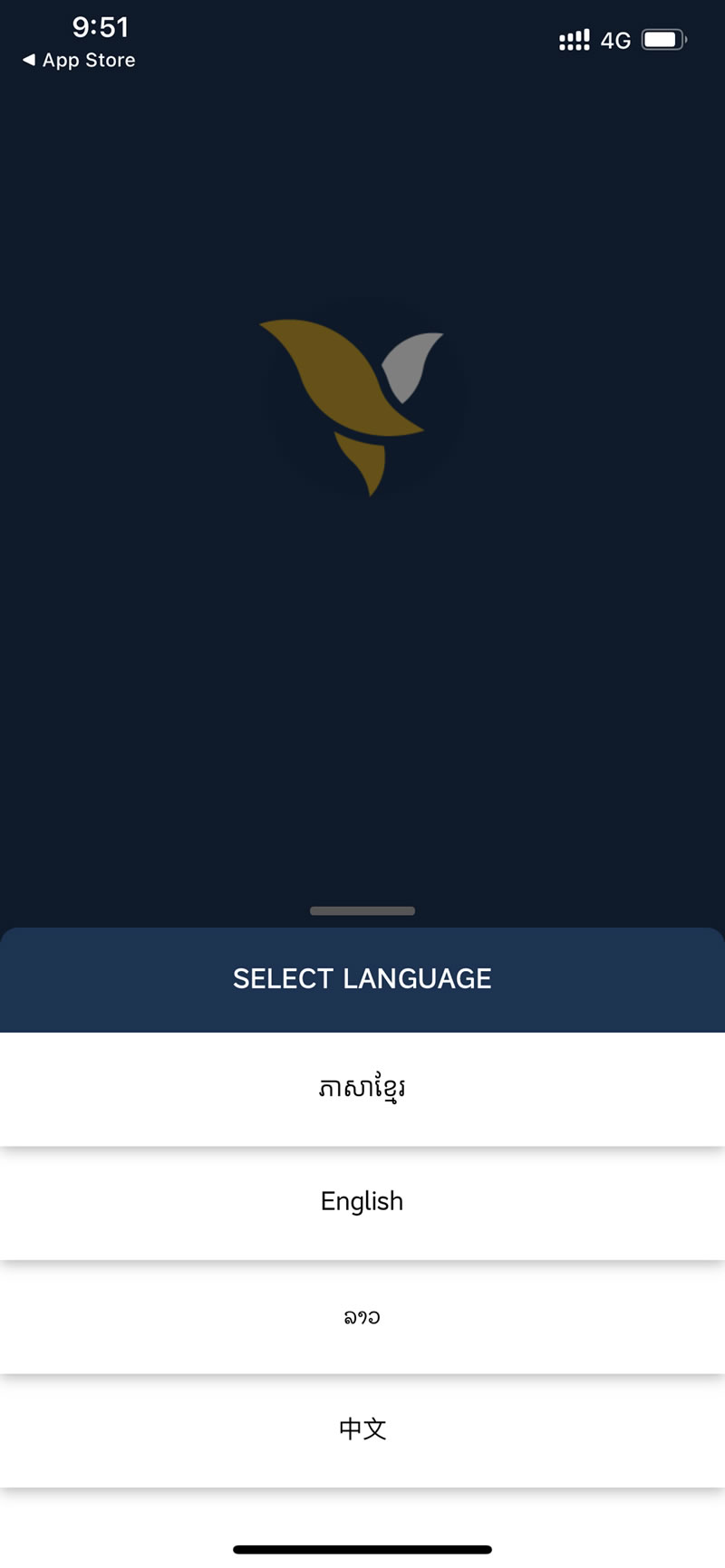
| 3. Select language |
 |
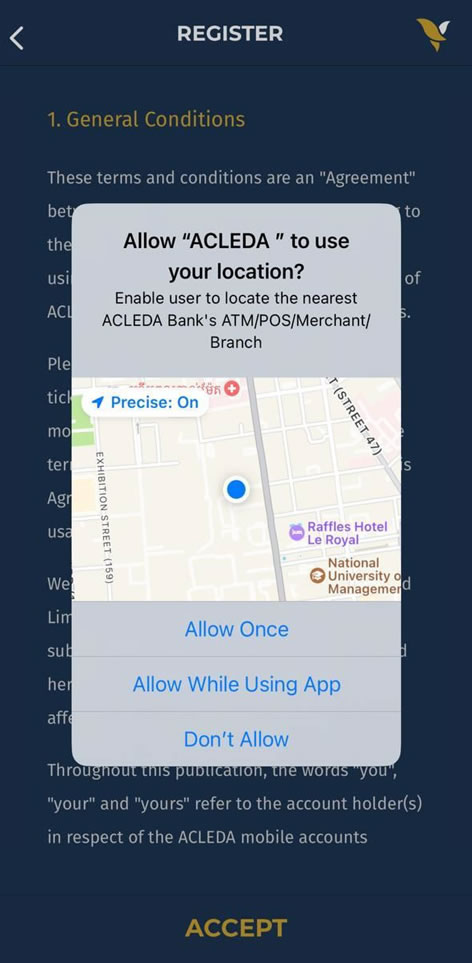
| 4. Select "Allow While Using App" |
 |
- 5.1. Enter the registered phone number
- 5.2. Press "OK"
- Registered SIM card must be in this phone and use 4G/LTE mobile data from the registered phnone number.
|
 |
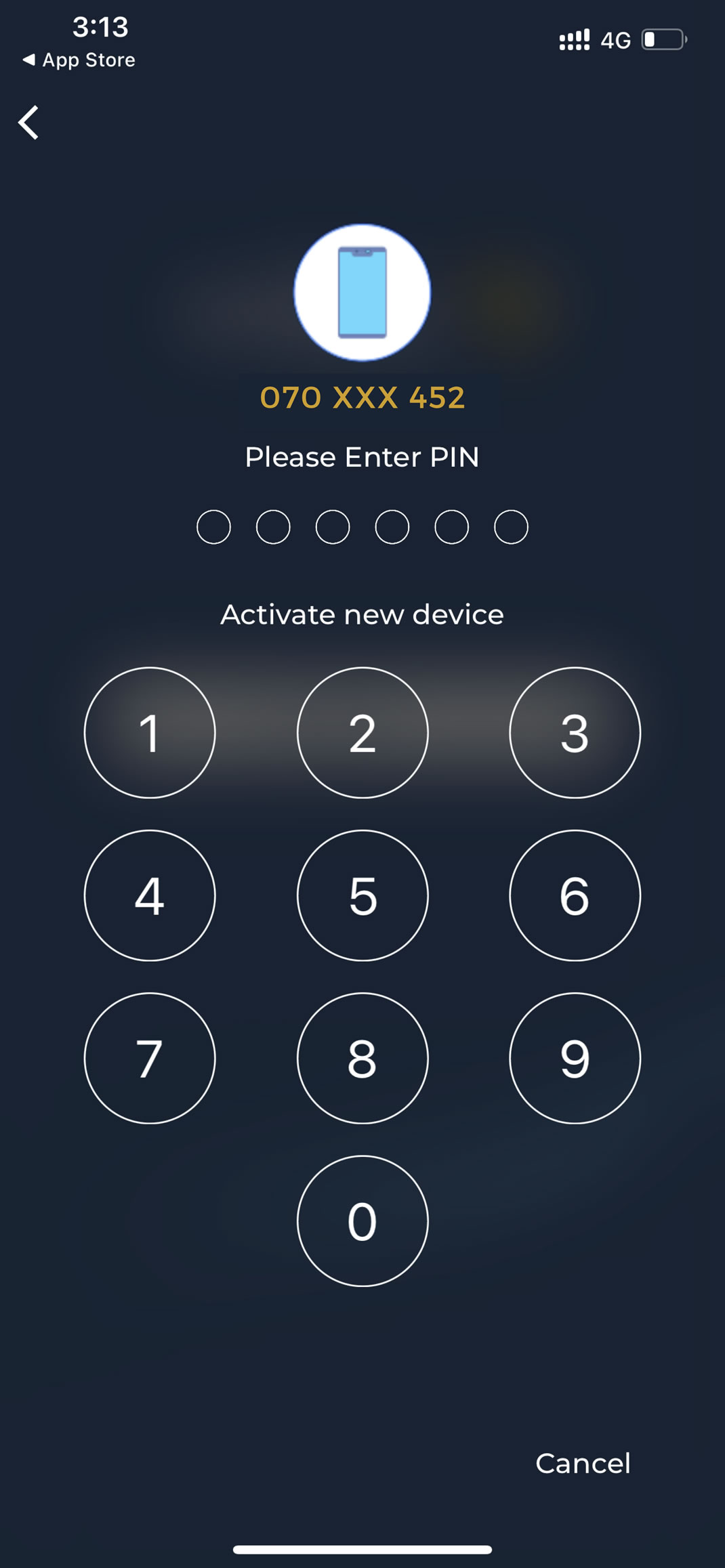
- 6. Enter PIN
- If you forget PIN, you have to Reset New PIN on your old phone. In case you cannot reset new PIN on your old phone, please come to ACLEDA Bank's branch.
|
 |
| 7. The system will automatically verify your phone number (for Smart, Cellcard, & Metfone) |
 |
| 8. Scan your face to verify |
 |
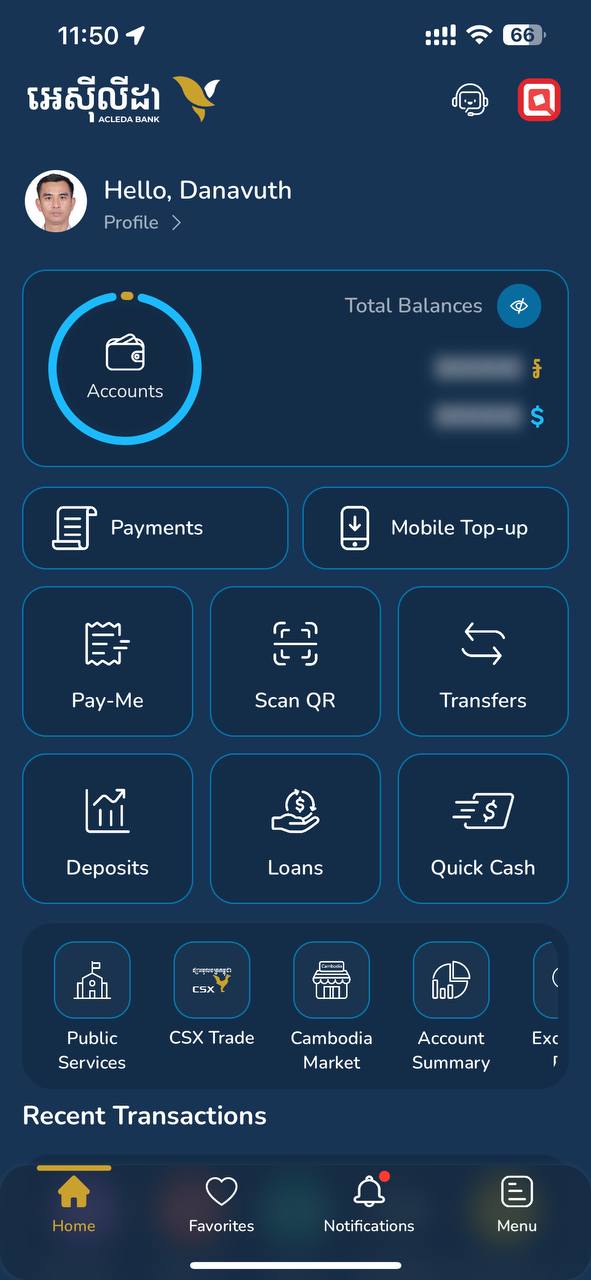
| 9. ACLEDA mobile is activated in this new phone successfully |
 |